
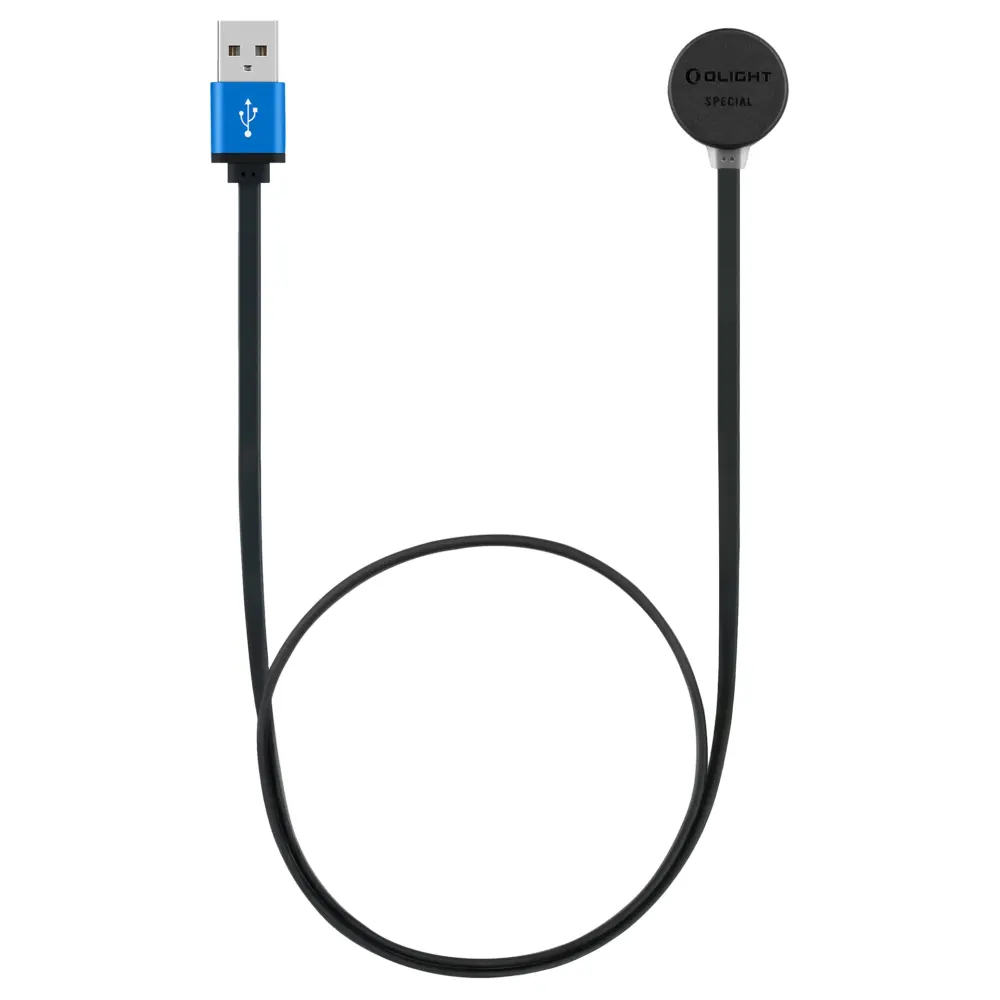
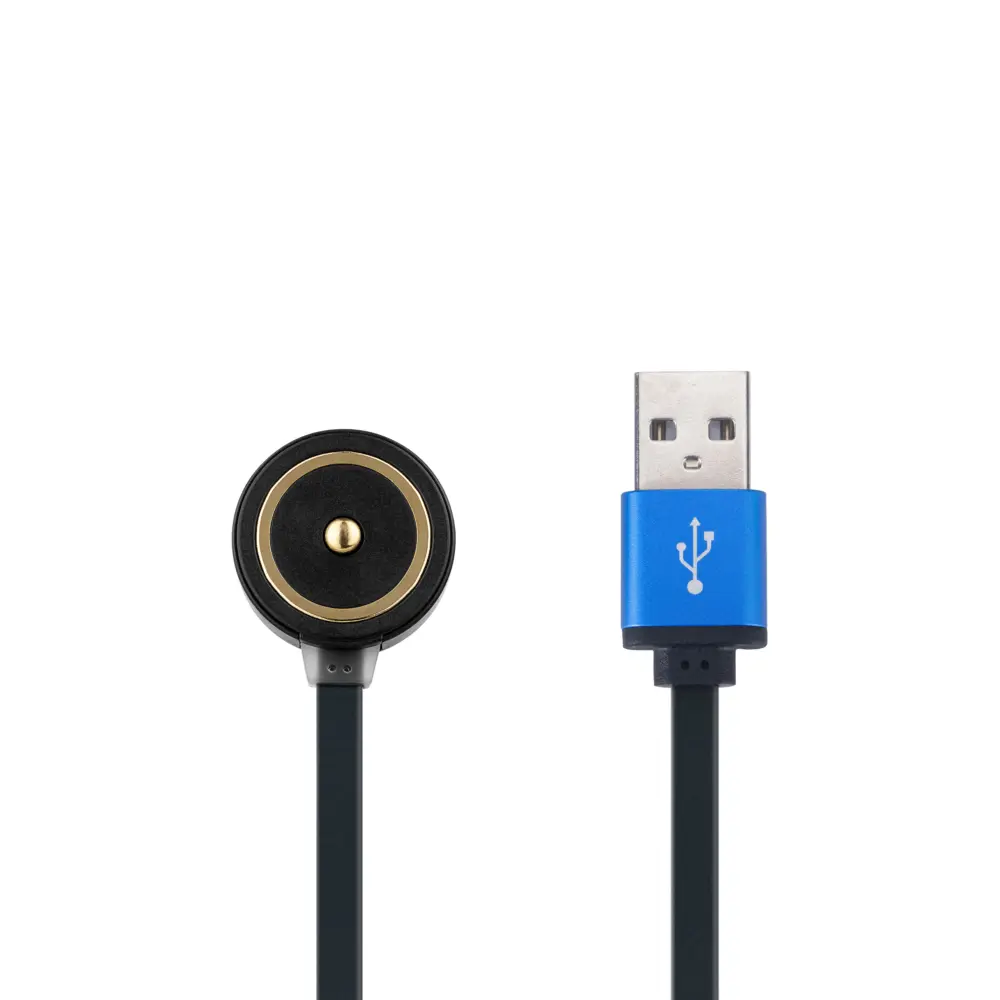


Olight MCC Special Magnetic Charging Cable
R349
The dedicated MCC Special USB-A magnetic charging cable for PL-Mini, PL-Mini 2, Baldr Mini, Baldr RL Mini, Baldr S, Baldr S BL and Valkyrie IR. Keep a spare for convenient charging at home or on the go.
PL-Mini 3 and PL-Pro need a different cable. Check the compatibility guide below.
Fast delivery directly to your door!
- Satisfaction Guaranteed
- After Sales Service
- Secure checkout: Yoco or EFT
Keep your compatible PL-Mini or Baldr light ready with a spare charging cable. The Olight MCC Special magnetic charging cable connects a suitable USB-A power source to the dedicated magnetic charging contacts on the supported lights below. It is a convenient replacement cable for use at home, in your vehicle or with a power bank.
Which charging cable do I need?
MCC3 Black
For the MCC3-compatible models listed on the MCC3 Black page. Examples include PL-Pro, PL-Mini 3, Warrior 3S, Seeker 4 Pro and Odin.
MCC Special
For PL-Mini, PL-Mini 2, selected Baldr lights and Valkyrie IR. It uses a different charging system from MCC3 Black.
You are viewing MCC Special.
PL-Mini and PL-Mini 2 use MCC Special. PL-Mini 3 uses MCC3. Match the complete model name; a similar name or magnetic fit is not enough.
Will MCC Special fit my Olight?
| Light family | Compatible models |
|---|---|
| PL-Mini | PL-Mini, PL-Mini 2 |
| Baldr | Baldr Mini, Baldr RL Mini, Baldr S, Baldr S BL |
| Valkyrie | Valkyrie IR |
MCC Special does not replace MCC3 Black. PL-Mini 3 and PL-Pro use standard MCC charging rather than MCC Special; use the MCC3 Black model list for those lights. Do not extend compatibility to a different Baldr or PL model just because its name is similar.
Look for the SPECIAL marking
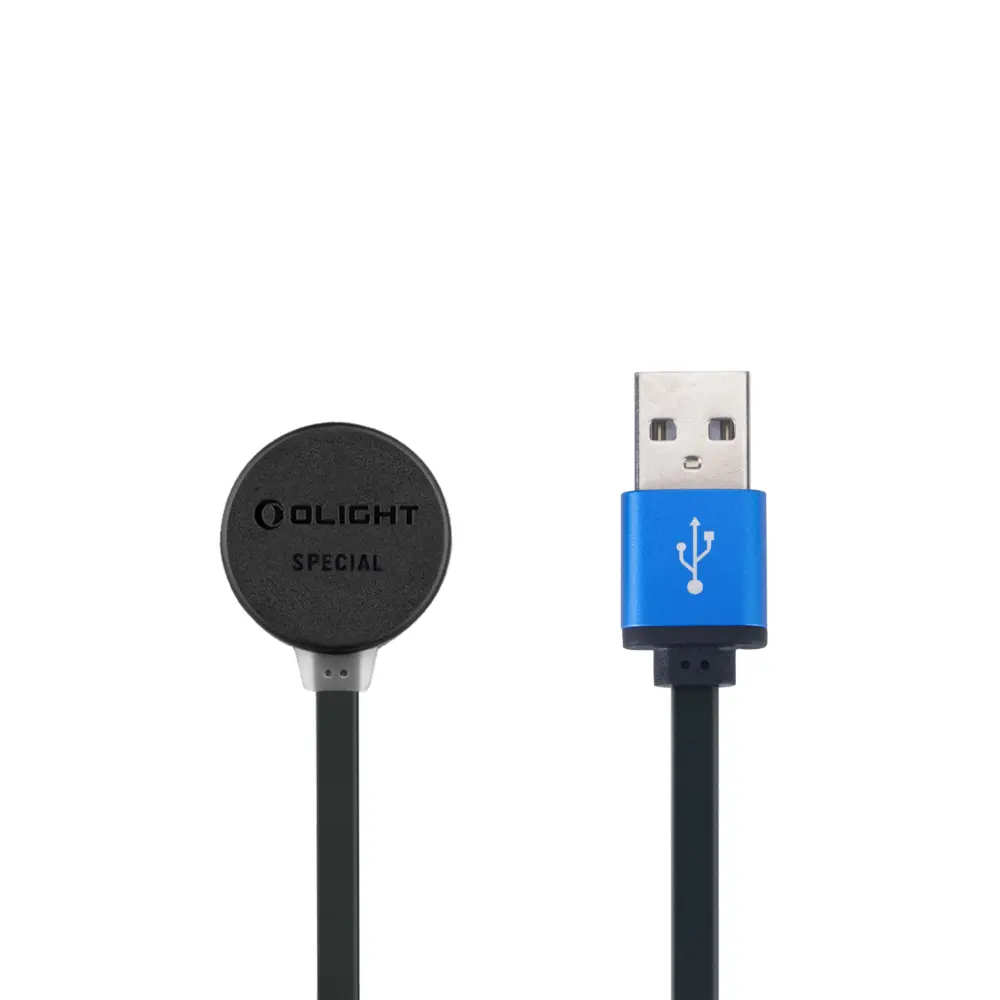
The charging head is marked SPECIAL. This identifies the dedicated cable family for the supported PL-Mini and Baldr lights, plus Valkyrie IR.
The USB-A plug and magnetic head can look similar to other Olight cables. Check the marking and the exact model list before ordering; a magnetic connection alone does not prove compatibility.
Charging and what is included
Plug the USB-A end into a suitable USB power source, then attach the magnetic head to your compatible light’s charging contacts. A suitable wall adapter, vehicle USB adapter or power bank lets you recharge where needed. Follow the power requirements in your light’s manual.
The indicator shows red during charging and green when charging is complete. Keep the contacts clean and dry. Charging time depends on the light, battery level and power source.
Includes one Olight MCC Special USB-A magnetic charging cable. The light and USB power adapter are not included.
The model list follows Olight’s official cable compatibility guide. Buying a replacement charging cable in South Africa? Ask us to help match your exact light if you are unsure.
Only logged in customers who have purchased this product may leave a review.
You may also like…
-

-
-
-
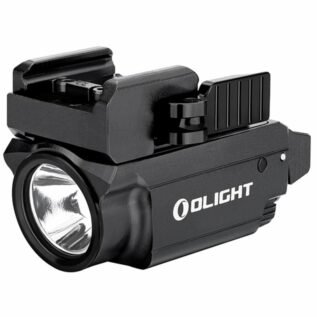
Olight Baldr S Weapon Light
R3,499Select options This product has multiple variants. The options may be chosen on the product page

Reviews
There are no reviews yet.